
Black triangle cursor
51Free
Custom Cursor Space offers a variety of cute and customizable cursors. Try the black triangle custom cursor for Google Chrome to add style and uniqueness to your browsing.
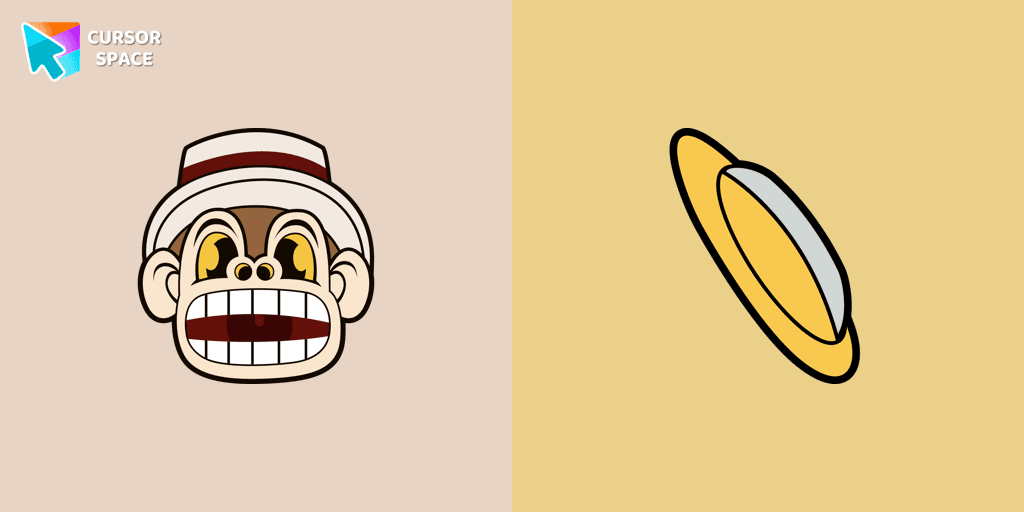
Mr. Chimes Cursor is a unique custom cursor for Google Chrome that adds a creepy yet whimsical monkey animation to your mouse trail. This fun and intriguing custom cursor transforms your standard browsing into a personalized experience. It's perfect for users who want to add a touch of flair and creativity to their cursor.
With the Mr. Chimes extension, enjoy a fun and eye-catching effect that stands out and makes your browsing more enjoyable.
Install the Cursor Space extension for Chrome or Cursor Space for Edge in your browser.
On this page, click "Add this cursor pack to the extension".
Open the extension and go to the Packs tab.
Find the custom cursor pack "Mr. Chimes cursor" and click it.
Enjoy!
Get this cursor pack and thousands of others by installing our extension. It's fast and free!
Mr. Chimes Cursor is a themed cursor pack you can add to your browser to personalize your pointer across common cursor states (default and pointer). Use it for everyday browsing, streaming, studying, or gaming-anywhere you want your cursor to match your vibe.
See how the cursors look before installing.
Add the pack to the extension in a few clicks.
Designed for Chrome and Edge via the extension.
Quick answers to common questions about cursor packs, collections, and installation.
Yes. To apply cursor packs in Chrome or Edge, install the Cursor Space extension and add this pack to it.
Cursor packs are designed for Chromium browsers like Chrome and Microsoft Edge.
Open the extension, choose another pack or disable the current one to return to your default cursor.
Custom cursor and packs - neon, anime, pixel art. Quickly add to Chrome and Microsoft Edge for free
Custom Cursor Space offers a variety of cute and customizable cursors. Try the black triangle custom cursor for Google Chrome to add style and uniqueness to your browsing.
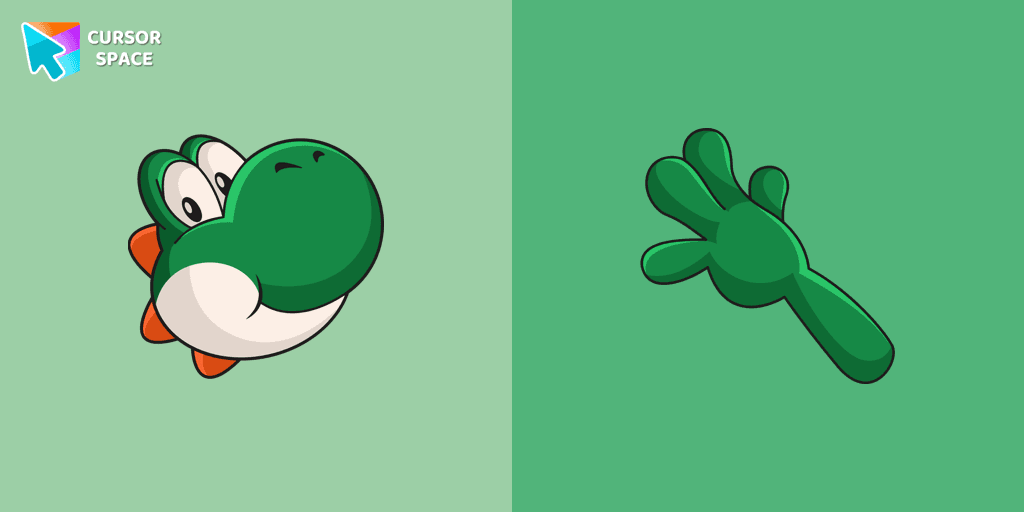
Yoshi, the lovable dinosaur-like character, is both an ally of Mario and Luigi and a sidekick to Mario in the main series

The Spinner cursor is a distinctive and visually appealing choice for your mouse cursor, providing an opportunity to set yourself apart from the default cursor.
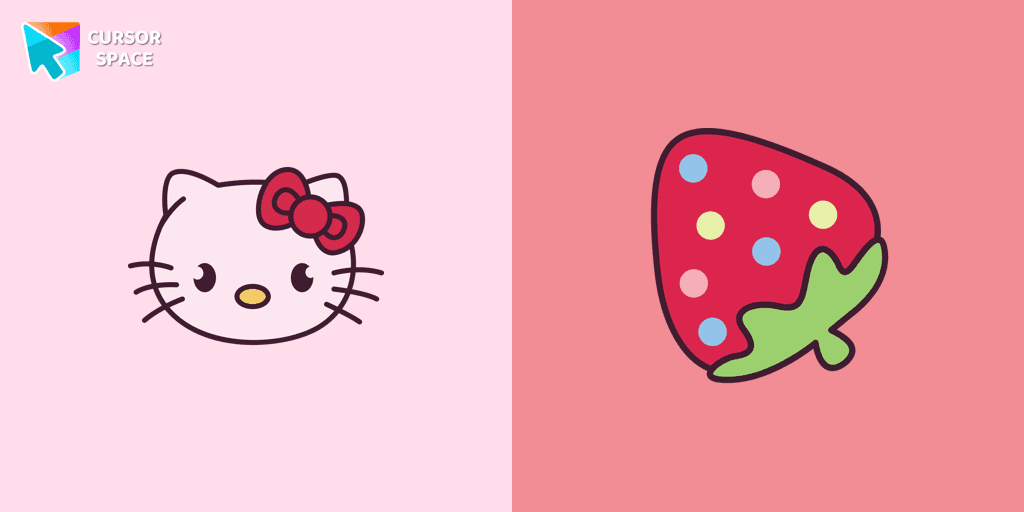
You can are able to select different outfits for your custom cursor with Hello Kitty to customize the looking.

Enhance your desktop experience with the Custom Bibata Original Classic Cursor, a stylish and modern option for both work and leisure.
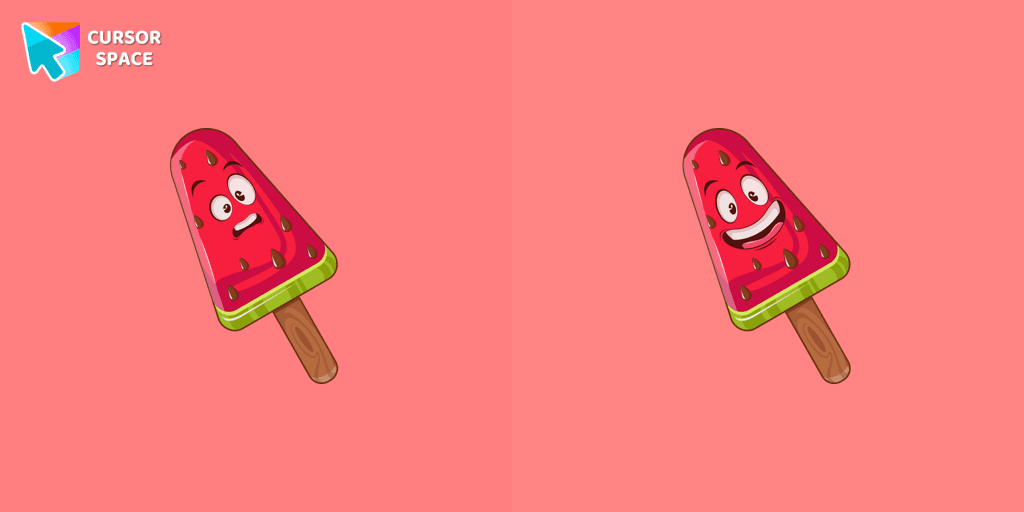
Lovely dessert watermelon ice cream as a custom cursor for mouse and pointer is presented in our sweet ice cream custom cursors collection for Chrome.
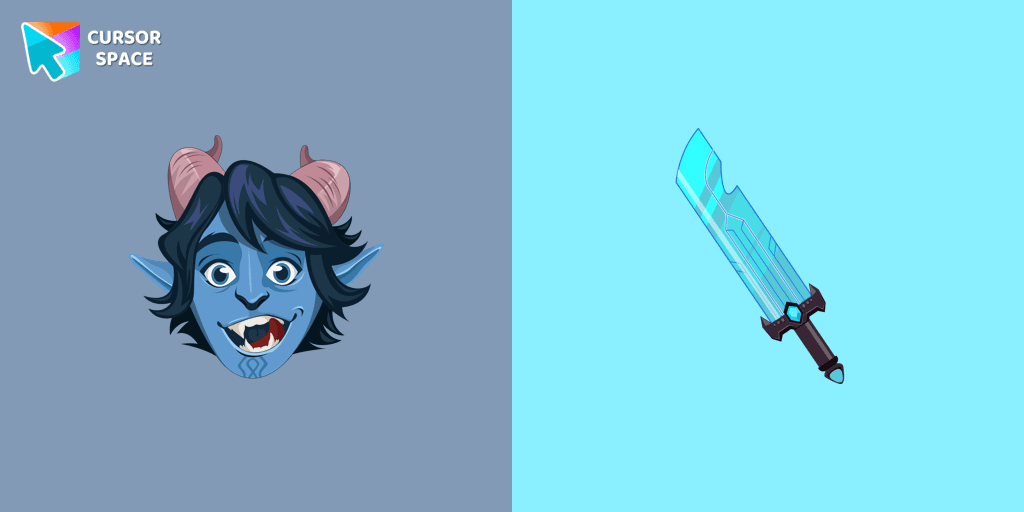
Troll Jim Lake Jr. custom cursor from our Animation Movies cursors collection for mouse and pointer.
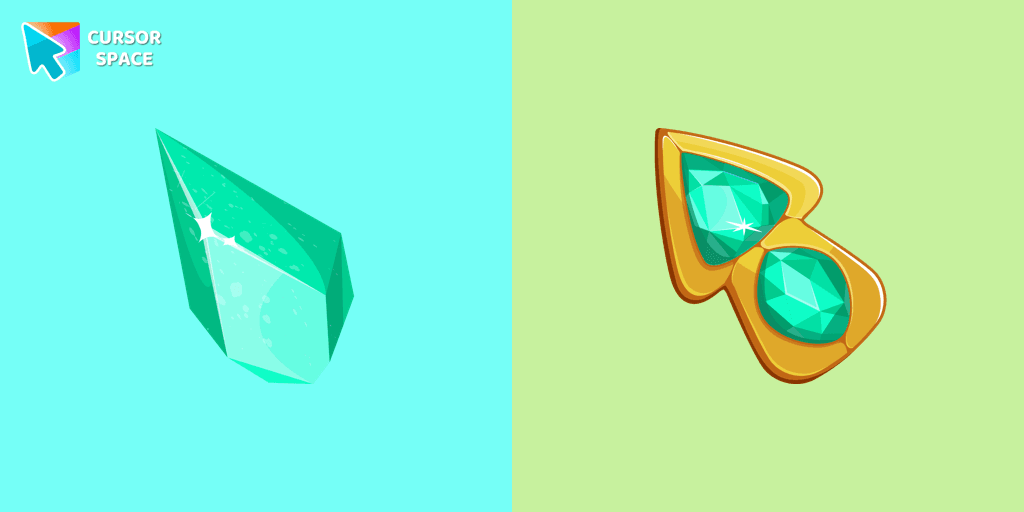
Upgrade your browsing with the Green Amethyst custom cursor! Elegant and unique, it adds a touch of beauty to your screen. Make your pointer shine today!
Installation leaders from "Cuphead Custom Cursors": free packs, neon/anime/pixel art, quick add to Chrome and Edge.
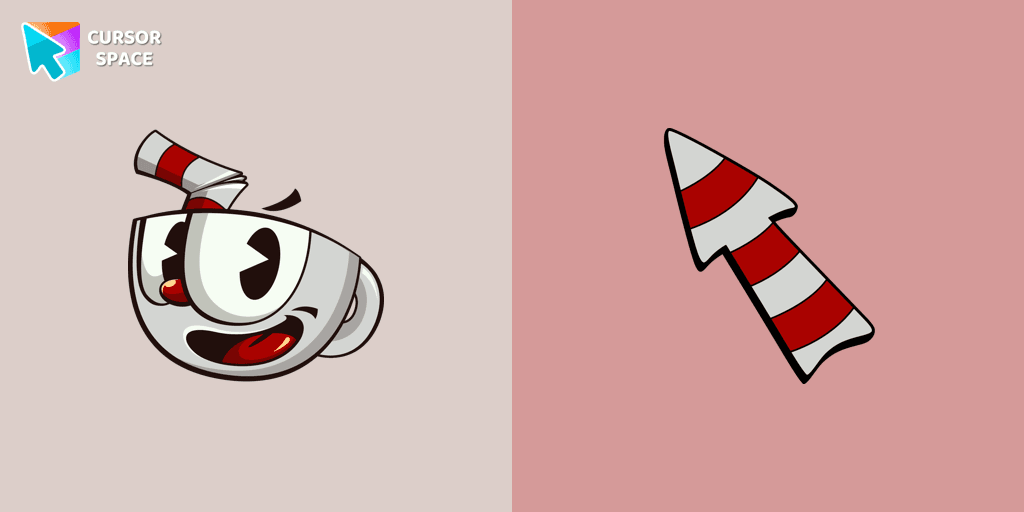
The Cuphead cursor is a Chrome extension that brings characters from the popular video game to life on your mouse cursor.
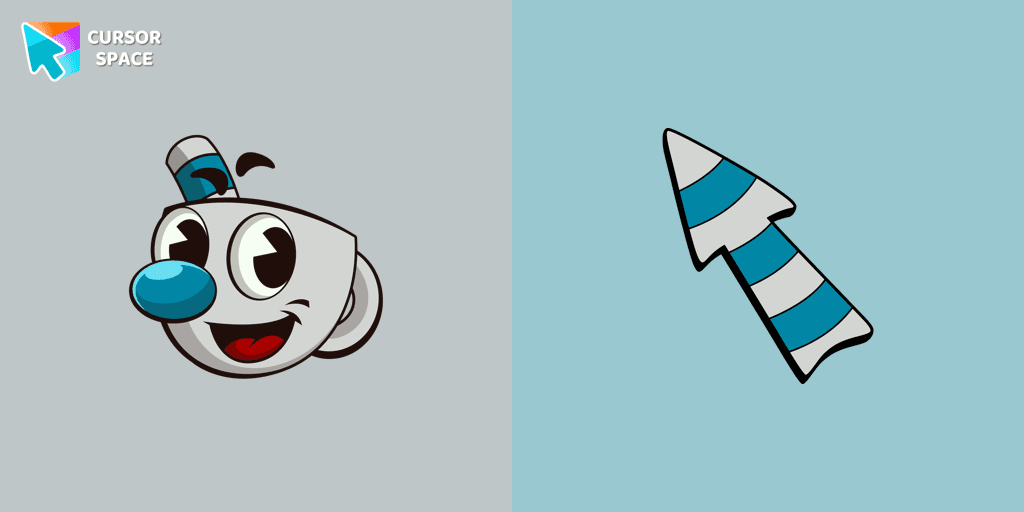
The Mugman custom cursor is a charming and unique addition to your browsing experience. Add personality with this adorable custom cursor for Google Chrome.
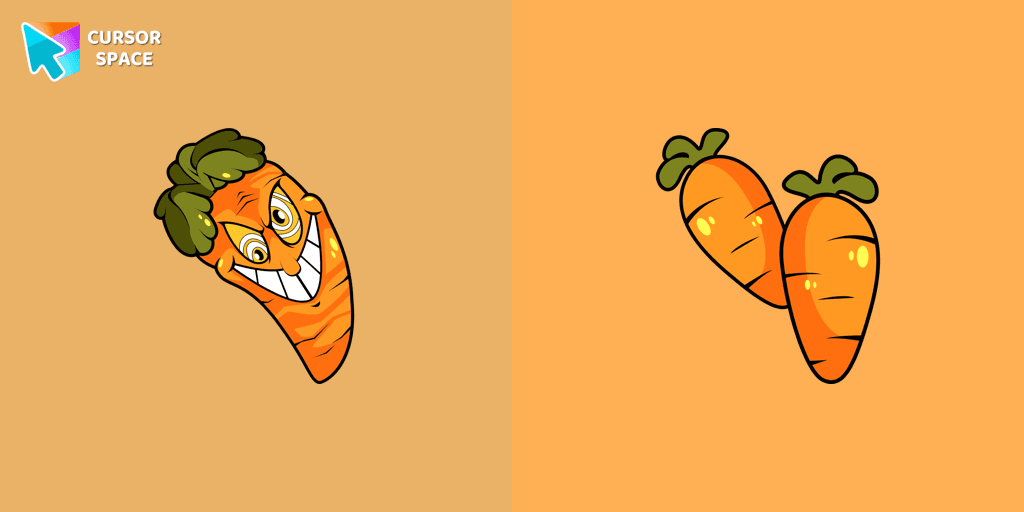
Our Cuphead custom cursors collection features a charming custom cursor called "Chauncey Chantenay" designed with beautiful artwork for your browser.
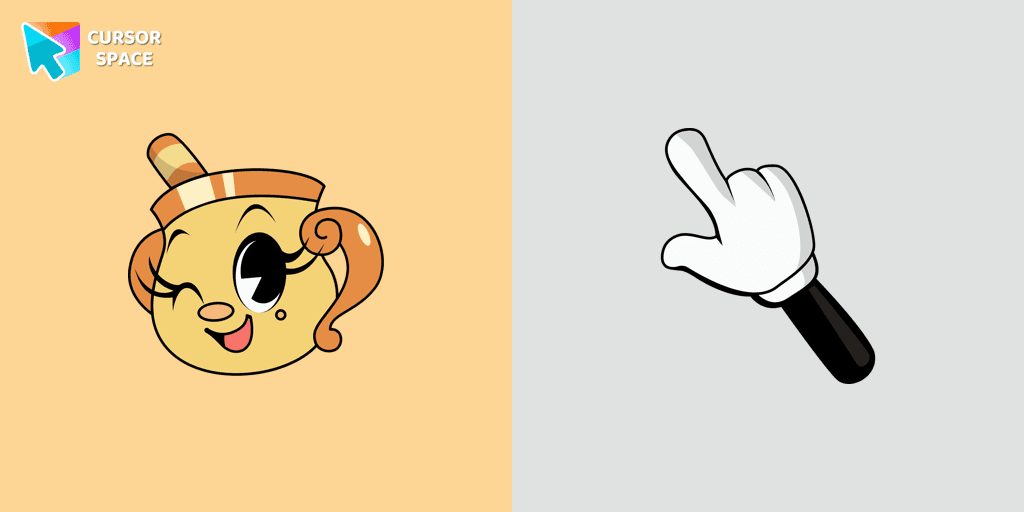
Experience the captivating Ms. Chalice custom cursor for Google Chrome. Inspired by the Cuphead game, this unique custom cursor brings Ms. Chalice to life in stunning detail
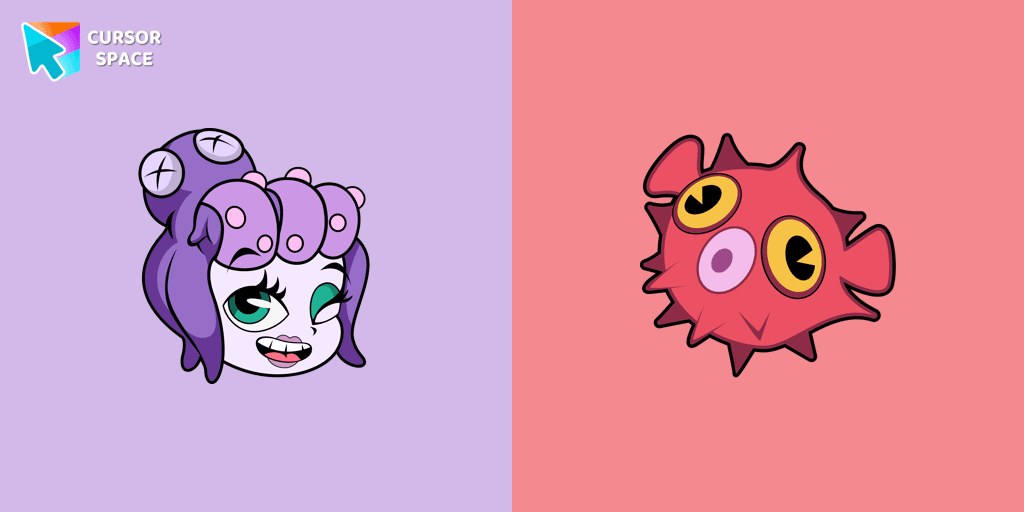
Enhance your browsing experience with the Cala Maria custom cursor for Google Chrome. This animated cursor brings the iconic Cuphead character to life on your screen.
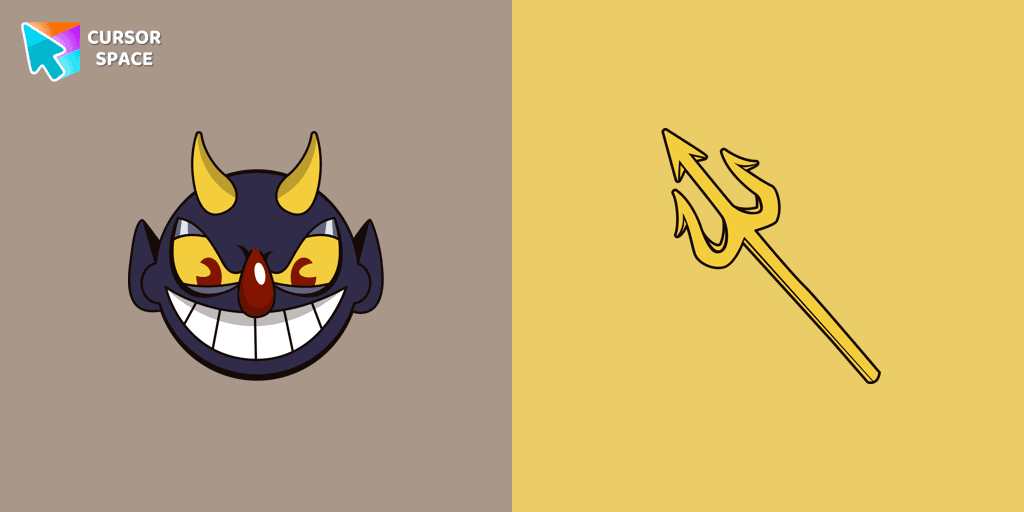
Add a touch of sinister charm with the Devil custom cursor from our Cuphead collection. Upgrade your browsing with this unique custom cursor for Google Chrome.
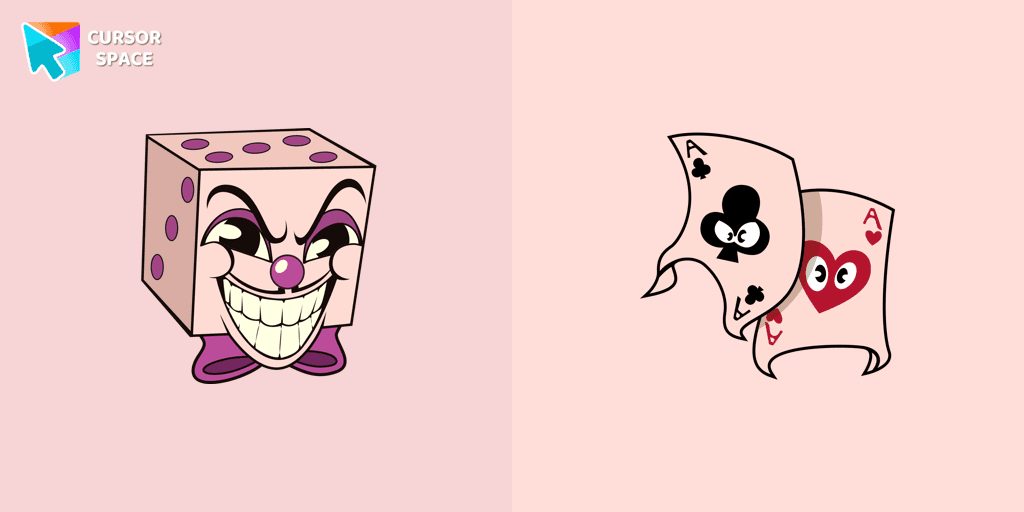
Add a regal touch to your browsing with the King Dice custom cursor. A unique and stylish custom cursor for Google Chrome, perfect for a refined experience.
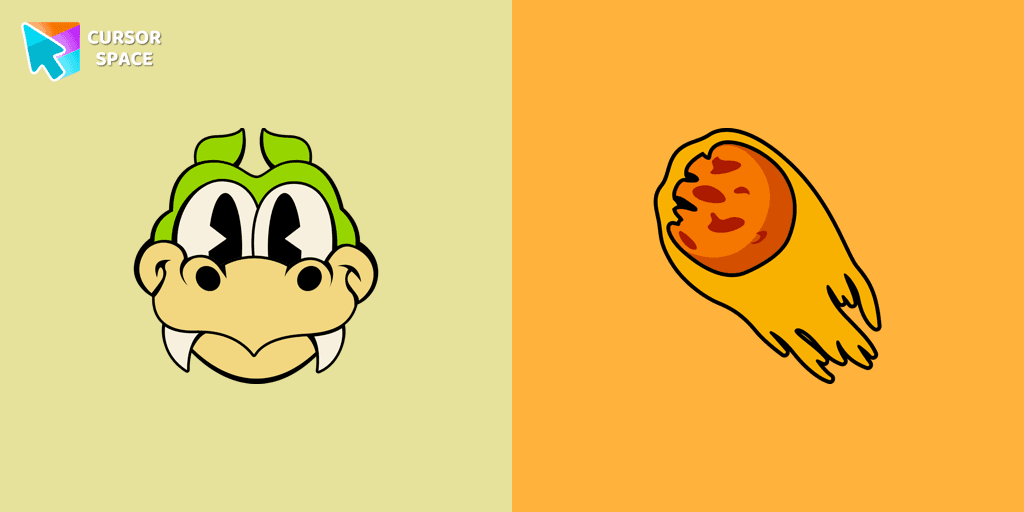
Enhance your browsing with the Grim Matchstick custom cursor for Google Chrome. This animated cursor brings the fiery charm of the Cuphead boss to your screen.
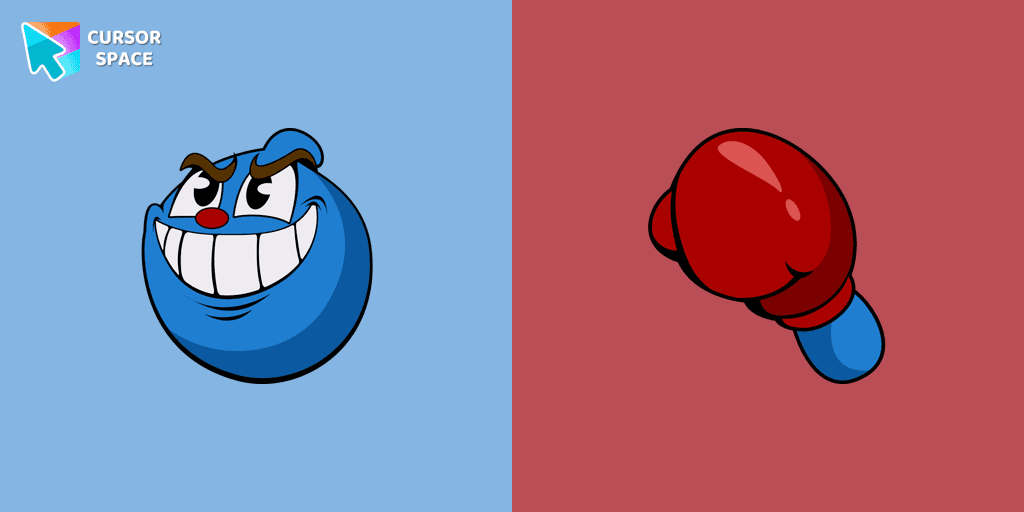
Experience the Goopy Le Grande custom cursor for Google Chrome, bringing the playful Cuphead boss to life. Add fun and animation to your browsing experience.
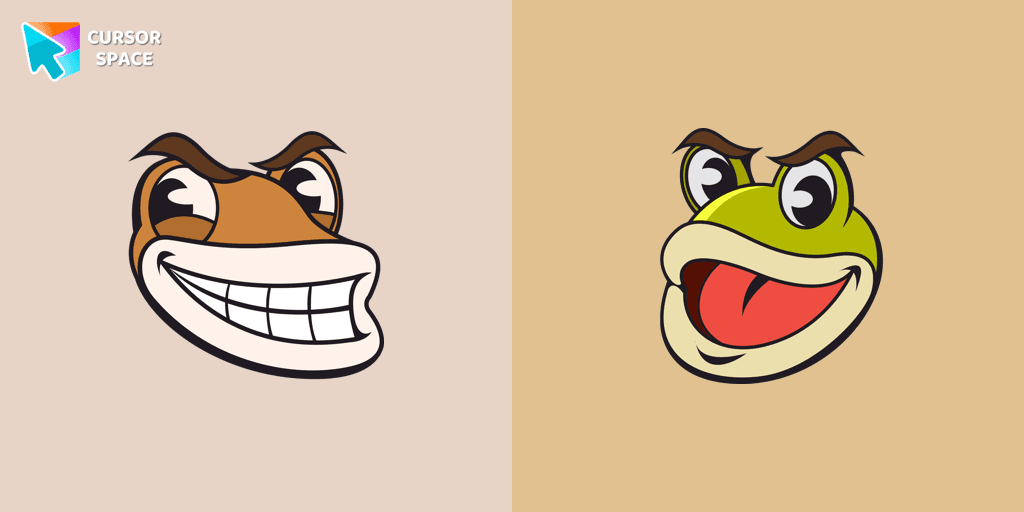
Ribby and Croaks custom cursor for Google Chrome brings the iconic Cuphead bosses to life. Enjoy an animated, dynamic cursor that enhances your browsing experience
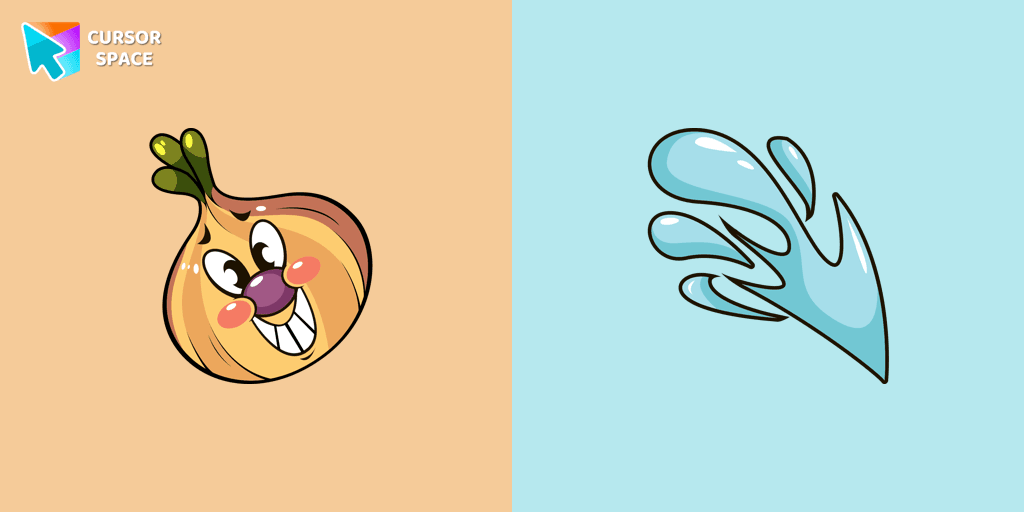
Introducing the adorable Ollie Bulb cursor from our Cuphead custom cursors collection. Spice up your mouse and pointer with this charming addition!
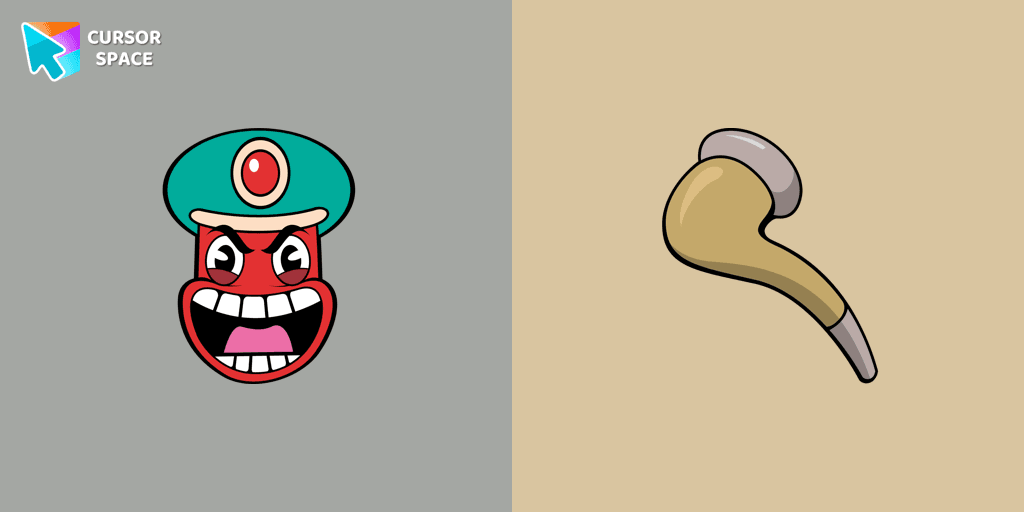
Transform your browsing with the Djimmi the Great custom cursor. This custom cursor for Google Chrome brings the magic of Cuphead to your screen.
Add packs instantly and unlock access to thousands of cursors: neon, anime, pixel-art, and more. Fast, safe, and free.
Cursor Space is an extension for changing your mouse cursor in Chrome and Edge browsers: themed collections, HiDPI icons, neon, animated, and pixel cursors, with quick installation.